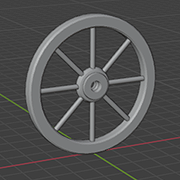
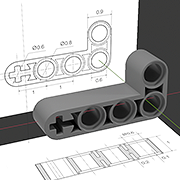
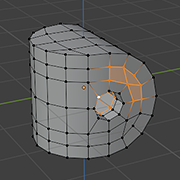
Interface, adjusting panel layout. Viewport panel: navigation, modes, display regimes, overlays. Outliner panel.
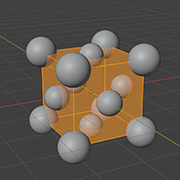
Adding and duplicating mesh primitives. Object transform: Properties panel, N-Panel, gizmos, tools, and shortcuts. Euler angles vs quaternions. 3D-cursor, geometry origin, and pivot points. Applying transform.
Modifiers Mirror, Array, and Screw. Applying modifiers.
Lesson 2
Boolean modeling
Boolean modifier, non-destructive modeling with Array and Mirror, order of modifiers. Bool Tool add-on, shortcuts for live and applied booleans.
Object parenting, Viewport Display properties, hiding and disabling objects.
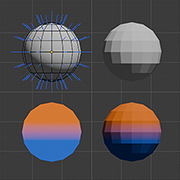
Mathematical foundations: face and vertex normals, Phong shading. Flat and Smooth shading modes, sharp edges, Auto Smooth modifier. Shading artefacts, dependence on mesh topology.
Edit mode
Viewport object interaction modes, Edit Mode select modes, 3D-cursor and element transform in Edit Mode, sliding elements along edges. Non-planar faces.
Selecting multiple vertices, X-Ray toggle, hiding and unhiding. Adding vertices: Extrude and Subdivide. Merge vertices at center, by distance, auto merge on move. Deleting verteces.
Adding edges: Join vs Fill vertex pairs, inserting Edge loops, Knife tool. Delete edges vs Dissolve, limited dissolve. Selecting edge loops, rings, and shortest paths.
Adding faces: Fill an edge pair, filling based on one and three edges, commands Bridge Edge Loops and Grid Fill. Delete Faces command variants.
*Snapping settings, Proportional Editing, mesh symmetry toggles.
Lesson 4
SubD modeling
Commands Extrude and Inset on individual and multiple faces. Bevel on edges and vertices.
Subdivision modifier: mathematical foundations, Catmull–Clark algorithm, relation to B-splines, comparison with Bézier splines. Adjusting subdivision smoothing: support loops, edge and vertex Crease.
*Bevel modifier and Bevel Weight parameter, use for adding support edges. Loop Tools add-on.
Examples
Lesson 5*
Materials and rendering
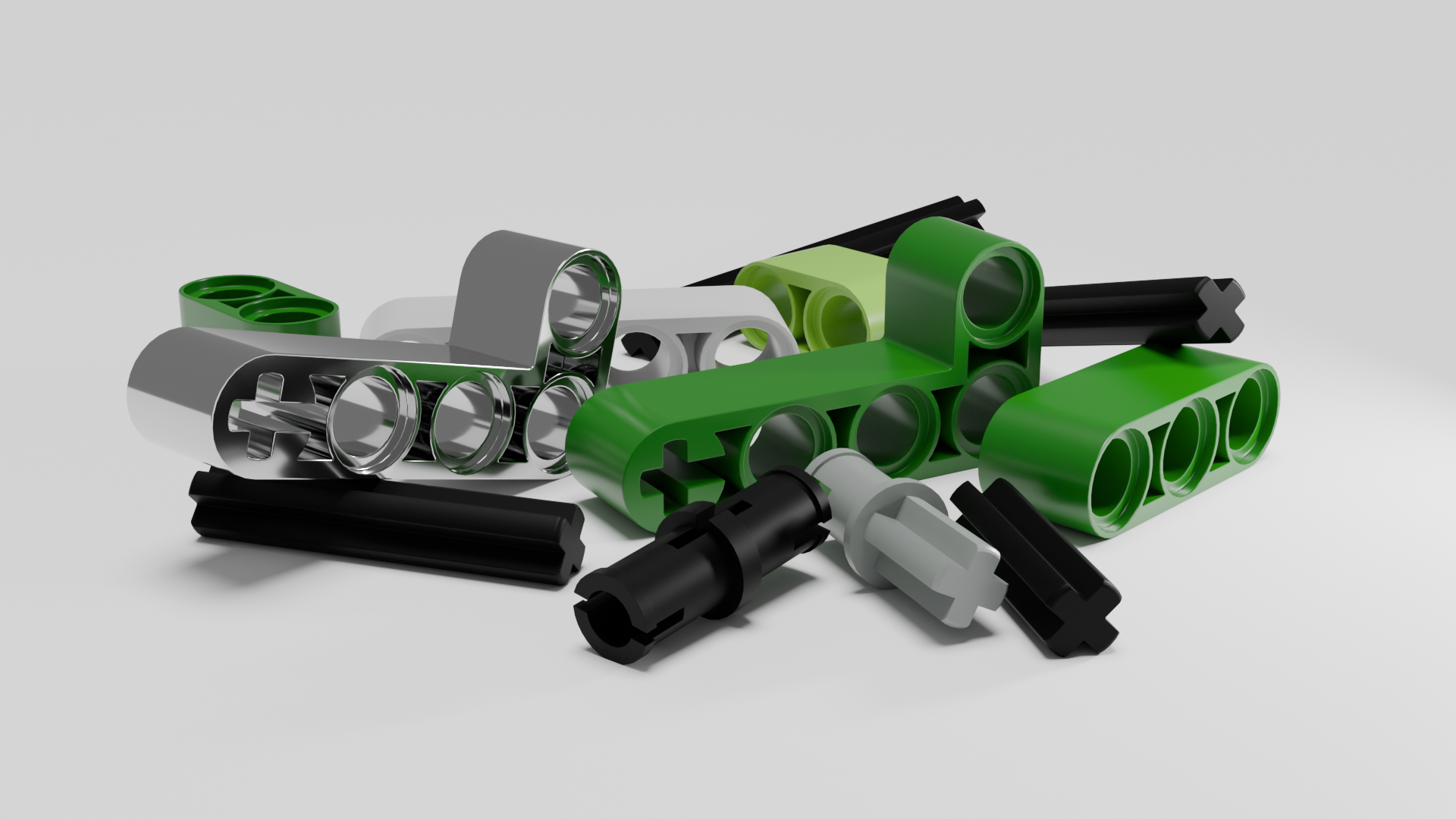
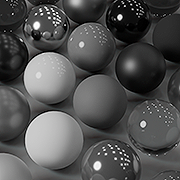
PBR materials: physical foundations, Principled BSDF, basic parameters, Shader Nodes. Lighting and camera settings, HDRI environment maps. Eevee and Cycles rendering engines: mathematical foundations, GPU setup.
PBR materials: physical foundations, basic parameters, Shader Nodes. Lighting and camera settings, HDRI environment maps. Eevee and Cycles rendering engines, GPU setup.
Geometry Nodes modifier, basic nodes, stock node-based modifiers. Mesh instances, Realize Instances node. Loops and simulation zone, use for solving ODE and trajectory visualization.
Examples
Lesson 5*
Animation
Keyframe animation, Timeline and Graph Editor panel (Bézier splines). Importing animation keyframes and 3D meshes from Wolfram Mathematica.
*Importing and animating LaTeX expressions.
Lesson **
Physics simulations and Scripting
Rigid-body simulations: body properties, Rigid Body World properties, initial conditions, constrains, baking. Liquid and gas simulations, Dynamic paint. Volumetric shaders.
Drivers. Visualizing trajectories with particles.
*Python Console scripts.